Claude Projects Explained From Zero: Give Claude Your Business's Files and Instructions
Everything from episode 23 in one place: what a Claude project is and how it differs from a normal chat, and the seven-step setup. Then Dana's three projects (estimates, customer emails and hiring), each with her files and her instructions, ready to copy. Plus good instructions in Anthropic's words, project memory, sharing with a team, how much a project holds, what it costs, keeping it current with a Google Doc, the rebuilt beta, where it stops, and a free checklist.
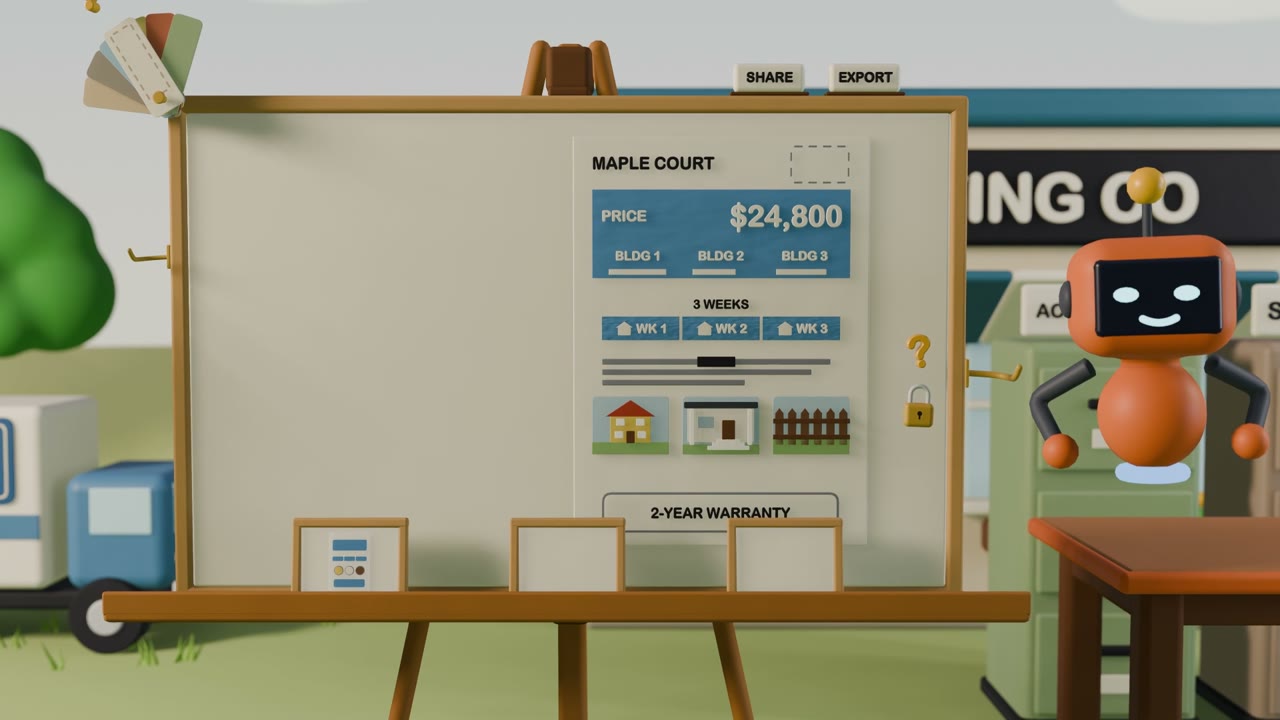
The third time this week
Tuesday night, ten forty. Dana runs a four-person house-painting company, and she's at her desk, writing an estimate for a two-story house on Birch Street.
She opens a new chat with Claude and pastes in the same things as always: her warranty, and her note on how the company talks to customers. That's the third time this week. And tonight, she forgets the price sheet.
The estimate comes back neat and well written, with a price range from some national average. Not her prices. That chat never saw them.
There's a feature built for exactly this. A Claude project holds your files and your rules, and every chat inside it starts with them. You set it up once, and the pasting stops.
Claude projects, from zero
AI, the kind everyone's talking about, is a program that learned from an enormous amount of text. Ask it something, and it answers one word at a time.
Claude is the AI made by a company called Anthropic. You chat with it on its website, claude.ai, in Claude Desktop for Mac or Windows, or in its apps for iPhone and Android.
A project is a space inside Claude for one kind of work. In Anthropic's words, projects are "self-contained workspaces with their own chat histories and knowledge bases. Within each project, you can upload documents, provide context, and have focused chats with Claude." Dana can have one for estimates, one for customer emails and one for hiring, each with its own files and its own rules.
Why some videos look different
June 25, 2024
Anthropic launched Projects for Claude Pro and Team users, under the heading "Avoid the cold start problem".
September 16, 2026
On paid plans, chat and Cowork (the part of Claude that carries out bigger tasks) started merging into one Claude. Anthropic: "Projects work in every conversation."
September 17, 2026
Anthropic announced a rebuilt version of projects, in beta, starting with Claude Code, its coding tool. Projects in chat and Cowork stay on the current version for now.
You may have heard that Projects just got rebuilt. The rebuilt version is a beta that starts with Claude Code. This page, like the episode, shows the current version, the one in chat and Cowork. The rebuilt version has its own section below.
A project, or a normal chat?
A normal chat starts nearly blank. Claude may remember a few things about you, but files like a price sheet and a warranty have to be attached every time. That's why Dana kept pasting.
A project holds four things.
Its files
Anthropic calls them project knowledge. "Anything you upload to this space will be used across all of your chats within that project."
Its instructions
How Claude should work in there. "Claude will use these instructions for all the chats within the project."
Its own memory
"Each project has its own memory." More in Memory, below.
Its chats
Every chat you start in the project, or move into it.
What's said in one chat doesn't reach the next on its own. Anthropic: "Context is not shared across chats within a project unless the information is added into the project knowledge base." Project memory is the other way things carry over.
So anything that matters every time belongs in the files or the instructions.
A bonus: the cache
In Anthropic's words, "Content in projects is cached and counts less against your limits when reused." The cache doesn't last forever: "Caches expire after a period of inactivity. If you come back to a project after a long break, your first message counts that content in full again."
Everywhere you use Claude
"Projects are available on every surface": the website, the desktop app and the phone apps. From a project you can start a chat or a Cowork session, and Claude uses the project's knowledge. Anthropic says "Projects work the same way in Cowork and in Claude."
The merged chat and Cowork experience is rolling out gradually, starting with Pro, Max and Ultra; on Team (in beta) and Enterprise it's available where "Chat and Cowork unified" is turned on. Cowork itself is on paid plans only.
Set up a project in 7 steps
From nothing. The checklist below marks which steps need a paid plan.
Go to Claude
Go to claude.ai in your browser, or download Claude Desktop for Mac or Windows. Anthropic's Get started with Claude page covers both.
Make an account
The free plan includes projects, up to five. Dana's on Pro, which is $20 a month, or $17 a month if you pay for the year ($200 up front). US prices, before tax.
Open Projects
Click Projects in the sidebar on the left, or go straight to claude.ai/projects. Then click + New Project, in the upper right. (In Cowork, the new-project button is a +.)
Name it, and describe it
Give it a name and a short description. Easy to miss: Claude can't see either one ("Claude will not have access to these details"). They're labels for you, so the rules go in the instructions. On Team and Enterprise plans you also pick who can see the project.
Add your files
The project's knowledge is on the right side of the project's page. Click +, and upload your documents.
Write the instructions
Click Set project instructions, write how Claude should work in this project, and click Save instructions. On the free plan, Anthropic's pages disagree about this step (see below).
Start a chat in the project
That's the whole setup.
Each of Dana's three projects below is filled a different way: files from her computer, the best of an old chat, and a document Claude wrote for her.
Project one: Estimates
The first way to fill a project: files from your computer.
1. Four files, each with a plain name
- Price Sheet 2026: prices per room, per door, and per foot of trim.
- Past Bids: five past bids that won the job.
- Warranty.
- Our Rules: a page of her rules, like the deposit, the minimum job, and the travel charge.
Plain names let Dana tell the files apart at a glance, and they help Claude in big projects too (see How much a project holds).
2. The instructions
You help write estimates for a four-person house-painting company. Use only the prices in the price sheet. Show the price line by line, and end with our two-year warranty. If anything needed for a price is missing, ask me before you guess.
3. Start a chat in the project, and type one line
Estimate for the two-story on Birch Street: all the trim, three doors, and the front porch.
Claude asks one question first: how many windows? That's Dana's own instruction at work. Then it lays the estimate out line by line, at her prices, with her deposit, and her warranty at the bottom. Nothing pasted.
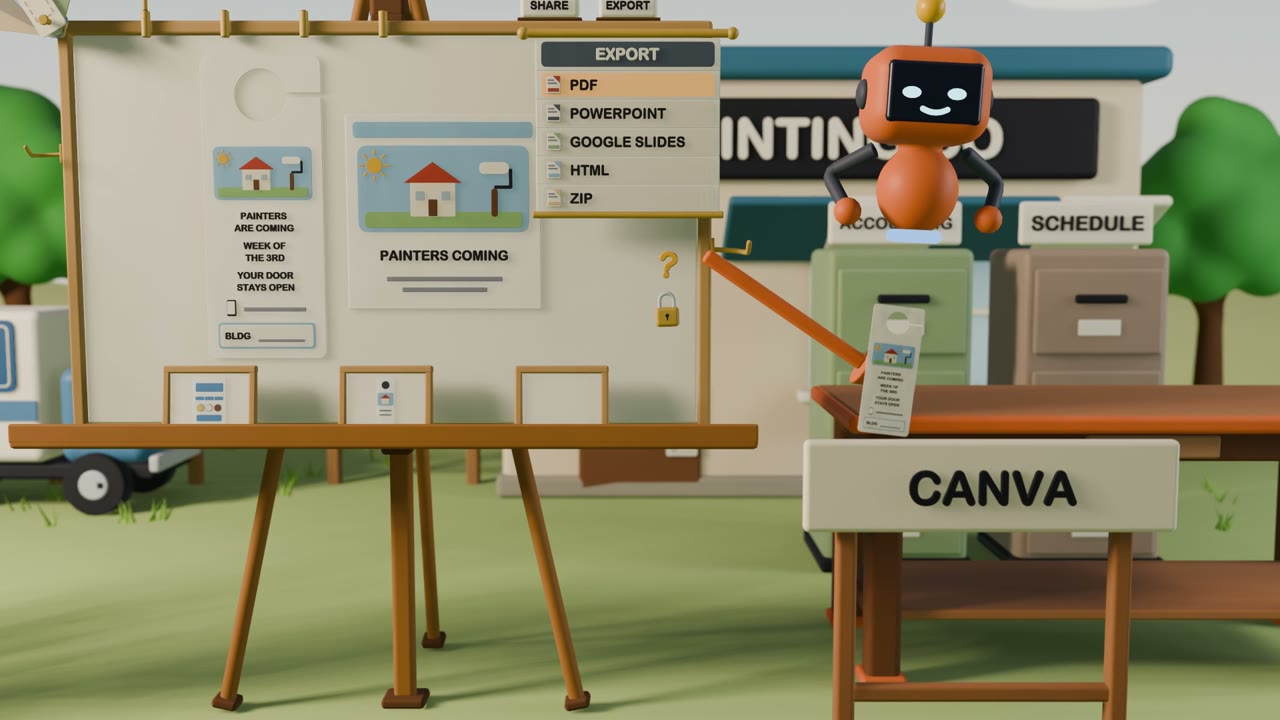
Good instructions, in Anthropic's words
Those few lines do a lot of work. Anthropic's advice for project instructions: "Keep project instructions concise: Claude performs best when you use project instructions for general context around your project, key guidelines, and Claude's role."
The business
"A four-person house-painting company."
The rules
Only the prices in the price sheet, line by line, the warranty at the end, and ask before guessing.
The job
"You help write estimates."
Anthropic's own examples: "instructing Claude to use a more formal tone or answer questions from the perspective of a specific role or industry." It lists four uses: project-specific context, guidelines for a particular workflow, requirements for a specific set of tasks, and roles or perspectives Claude should adopt within the project.
Files and instructions do different jobs
Files: what Claude should know
Prices, past work, policies.
Instructions: how it should work
The tone, the format, and what to do when something's missing.
Project instructions "only apply to chats within that project." So Dana's estimate rules stay out of her customer emails, and the other way around.
For rules that should hold everywhere, like her name and her company, there's a separate setting for all of Claude: Settings, then Your Claude (or Settings, then Account), then Instructions. Those apply to all conversations.
Project instructions on the free plan
Anthropic's article on personalization says to use project instructions "(paid plans only)". Its "What are projects?" article says projects are available to all users, Free included, and describes project instructions with no plan limit, and its setup article gives the Set project instructions steps with no plan limit either. On the free plan, look for the Set project instructions button in your project. On a paid plan, it's there.
Project two: Customer Emails
The second way to fill a project: the best of an old chat.
1. Four files
- How We Talk: her note on how the company talks to customers.
- Warranty: the same one again.
- Common Questions: drying times, what to move, and rain days.
- Past Replies: ten past replies she was proud of.
2. The instructions
Write like Dana. Warm, short, and plain. Answer the question in the first line. Sign as Dana.
3. Move an old chat in
Last week, in a normal chat, Dana worked out a good answer for a customer whose paint was peeling. She opens that chat, clicks the little dropdown arrow next to its name, chooses Add to project, and picks Customer Emails in the Move chat window. The chat now sits in the project with the others. The same menu removes a chat or moves it again.
4. Copy what matters into the files
Moving a chat doesn't add it to the project's files. So Dana copies the peeling-paint answer into her Past Replies file, uploads the new version, and removes the old one.
On a paid plan, Claude can also search the project's earlier chats when you ask it to. Anthropic: "searches are limited to within each specific project."
5. A customer writes
Will rain tomorrow push back the start date? Dana asks for a reply, and it comes back in her voice, with the rain-day rule from her Common Questions file.
Memory: what a project remembers
Memory is on by default on the Free, Pro, Max and Ultra plans, on the web, in Claude Desktop and in the phone apps. Each project has its own.
Here's how Anthropic describes it: "While working in a project, Claude uses the project's memory alongside your memory from chats outside of projects, but not memory from other projects. New memory is saved to the project, and if you have memory turned on, Claude can reference it in chats outside of projects too."
Tell it directly
Claude saves memories on its own, and you can tell it what to remember, change or forget from a chat. In Customer Emails, Dana types:
Remember, we stopped doing wallpaper removal this year.
And when something changes, she tells it to forget.
Keep a project apart
Use account memory
"To keep a project's memory fully separate, turn off 'Use account memory' under Memory on the project's page." Dana does this for Hiring.
Memory in the + menu
Turn off Memory in the + menu before you send the first message. "A project chat started this way doesn't use or add to the project's memory."
On Team and Enterprise plans, the owner decides whether memory is available, and it's off for each member until they turn it on.
Anthropic's memory article also lists Reset memory, which "permanently deletes all memories including project memories." Its pages describe the Memory area on a project's page only for the Use account memory switch; they don't describe opening a project's memory to edit it there, which is why Dana tells Claude in a chat.
Anthropic's pages disagree on memory and the free plan. Its Usage limit best practices article describes memory as a paid-plan feature; its Chat search and memory article says memory is on by default on Free.
Project three: Hiring
The third way to fill a project: a document Claude wrote. Spring is the busy season, and Dana wants two more painters by then.
1. Three files
- Job Post: last year's.
- Interview Questions: the ones she asked in interviews.
- Crew Notes: her crew lead's notes on what trips up painters in their first week.
2. Memory kept separate
She turns off Use account memory for this project.
3. The instructions
Help Dana hire painters. Plain words. Use the pay range in the job post. Promise only what the files say.
4. One chat, three results
In one chat, she gets a fresh job post, ten interview questions, and a first-day checklist: where to park, the safety gear, the ladder rules, and who to call. Claude makes the checklist as a document she can download. ("Claude can create documents, spreadsheets with working formulas, and presentations you can open in PowerPoint. Download them and use them anywhere.")
5. Add Claude's document back
Dana downloads the checklist, and adds it to the project's files with the +. Now the next request builds on it.
Anthropic doesn't document a one-click way to add a file Claude made to the project's files, so Dana downloads it and uploads it.
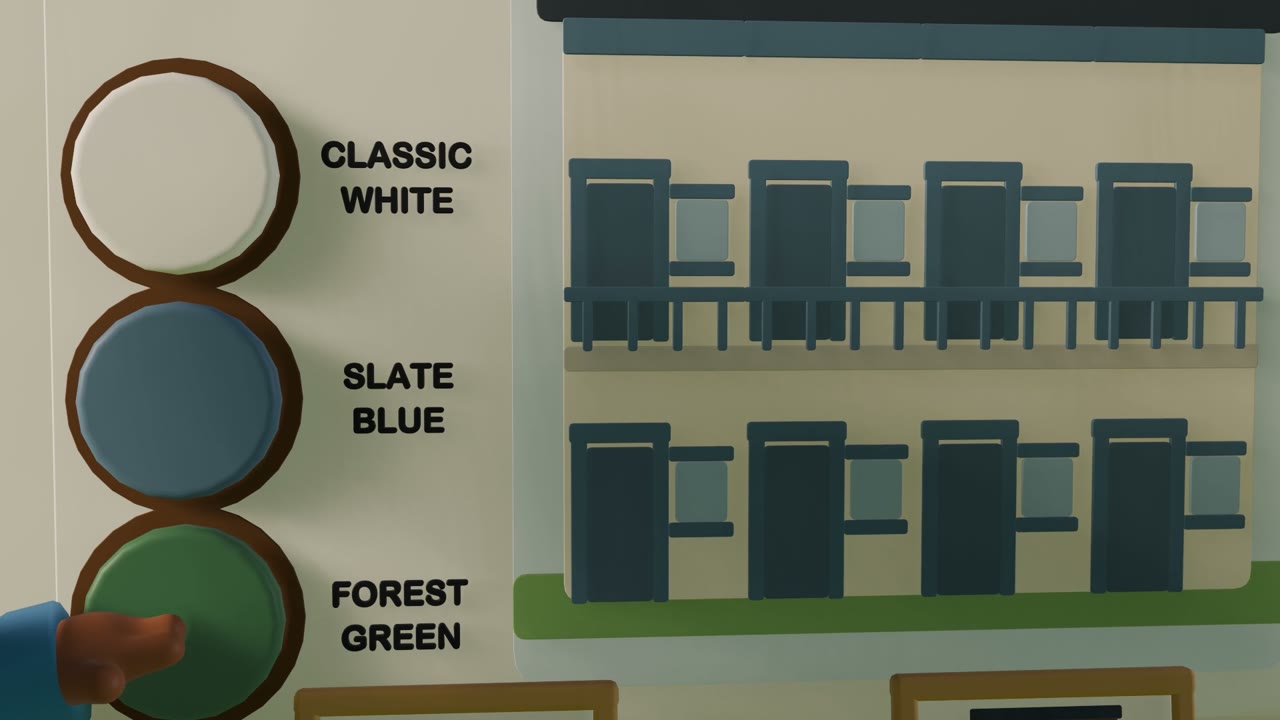
Her crew lead reads it over her shoulder, and asks: can he use this project too? He'd ask it the questions new painters ask him. That question has a catch.
How much a project holds
Up to 30 MB
PDF, Word (DOCX), CSV, plain text (TXT), web pages (HTML), ODT, RTF, EPUB, JSON and Excel (XLSX). Excel files need code execution and file creation turned on in your account.
No set number
"Unlimited, but total content must fit within Claude's context window": what Claude can read at once.
What Claude reads in them
The text. PDFs are the exception: in PDFs of 100 pages or fewer, Claude reads the text and the pictures, charts and graphics; from 101 to 1,000 pages, text only. "For non-PDF documents: Claude extracts text only from these files. If they contain embedded images, Claude won't be able to read or interpret them." A Google Doc added from Drive is text only too.
How much fits
It depends on the model. Anthropic's older figure is 200,000 tokens, "about 500 pages of text or more". Its current chat models read 500,000 to 1 million tokens, up to five times that. The pricing page says "Up to 1M, varies by model" on every plan.
When it gets big: RAG, on paid plans
"When your project knowledge approaches the context window limit, Claude will automatically enable RAG mode to expand your project's capacity by up to 10x while maintaining quality responses." Instead of reading everything at once, Claude searches the project's files and pulls out the parts it needs. There's no setup, a small indicator shows when it's on, and you can add and remove files at any time. "RAG for projects is available on paid plans (Pro, Max, Ultra, Team, and Enterprise)."
Clear file names
Anthropic's tip: "Use clear, descriptive filenames." Price Sheet 2026, not scan_0042.
Name the document
"When asking questions, you can reference specific documents by name to help Claude focus its search."
What it costs
Checked November 4, 2026. These are US prices, before tax: "Prices shown are for US customers and exclude applicable taxes. Pricing, currency, and tax handling vary by region." Check the pricing page before you pay.
| Plan | Price | For projects |
|---|---|---|
| Claude Free | $0 | Up to 5 projects. "Limited usage every 5 hours and every week." No RAG, no searching earlier chats, no sharing. Project instructions: Anthropic's pages disagree. |
| Claude Pro | $20 a month, or $17 a month billed yearly ($200 up front) | Projects, RAG for big projects, and searching a project's earlier chats. No sharing. |
| Claude Max | $100 a month | Everything in Pro, plus more usage. |
| Claude Ultra | $200 a month | Everything in Pro, plus more usage. |
| Claude Team | $25 a person a month, or $20 a month billed yearly; 2 to 150 people | Adds project sharing, with Can view and Can edit. |
Projects don't have their own allowance. They draw from your plan's usage like any other use of Claude. Anthropic's pricing page: "Your activity across Claude on web, desktop, mobile, and Claude Code all draws from the same pool."
The cache helps: project content you reuse counts less against your limits, until the cache expires after a period without use. Anthropic's advice: "Use projects for anything you'll reference multiple times."
For Dana, all three projects cost nothing on top of the Pro plan she already had.
Anthropic publishes no message counts for the free plan: its Help Center says message counts vary with demand, names the five-hour session limit, and says other limits may apply.
Keeping it current: a Google Doc from Drive
Every January, the paint supplier raises its prices, and so does Dana. Here's the change that keeps Claude's prices right.
Keep the price sheet as a Google Doc
Dana's price sheet lives in Google Drive.
Connect Google Drive
In Claude's connectors. In the merged Claude, that's Customize, then Connectors. Anthropic: "Google Workspace connectors (Gmail, Google Calendar, and Google Drive) are available for all users on Claude and Claude Desktop."
Add the doc to the project's files
Open the project, find the Files section, click +, and choose Drive. Search your recent documents, or paste the doc's web address.
Remove the old uploaded copy
So two versions never disagree.
In Anthropic's own words: "Google Docs added to chats and projects sync directly from Google Drive, so you're always working with the latest version." Come January, Dana changes the prices in the doc, and the next estimate already has them. Nothing to upload again.
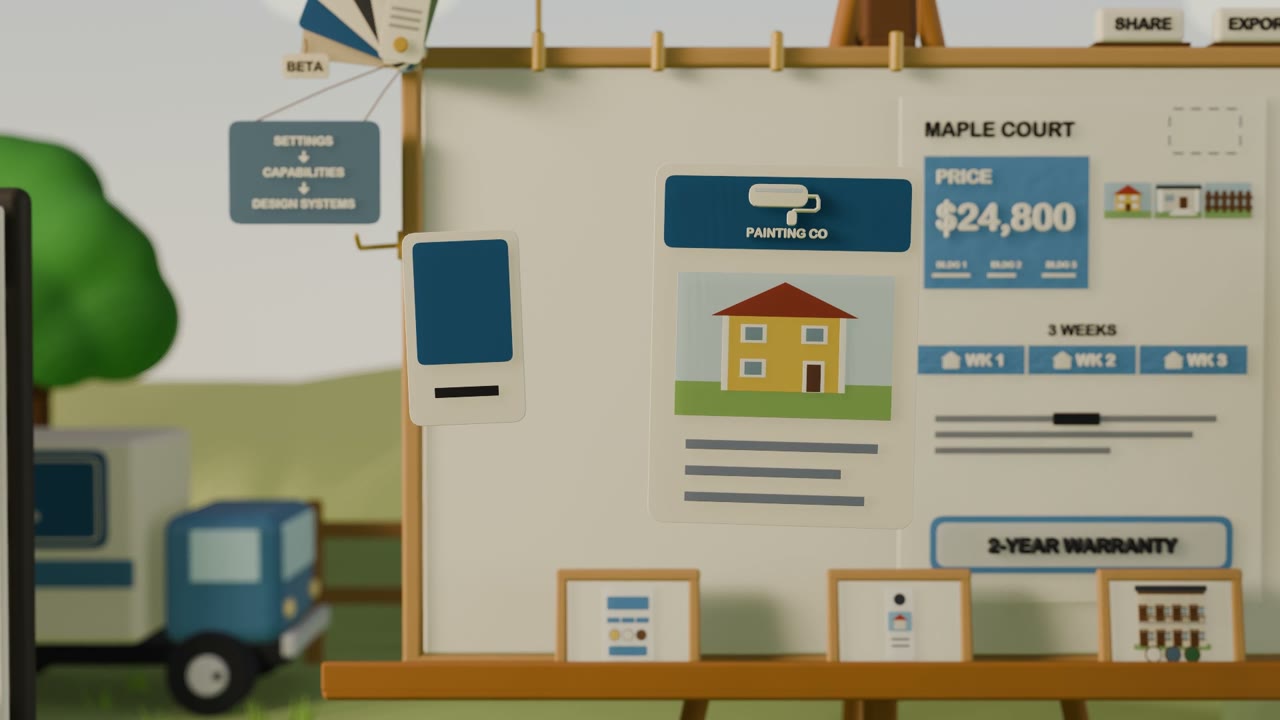
Upload the new version
Uploaded files don't come with that promise. When one changes, like Dana's rules page, upload the new version and remove the old one.
Private projects only
"The Google Drive connector is only available when adding to Files in private projects. This option will be disabled for shared projects." On Pro, all of Dana's projects are private, so it works for her.
The sync promise names Google Docs; Anthropic's page doesn't say the same for Google Sheets. Projects can also add files from GitHub, with a Sync icon to refresh them, but Anthropic says "Add from GitHub isn't supported" in the merged chat and Cowork experience.
The rebuilt projects (beta)
On September 17, 2026, Anthropic announced a new version of projects, in beta, starting with Claude Code. In Anthropic's words: "In the new version, a project is one conversation: you say what you need as it comes to you, and Claude breaks the work into parallel threads that run in the cloud." Every thread starts with the project's files, instructions and memory, and the project's Library collects the files you add and the files Claude produces.
Some Pro, Max and Ultra accounts
Select Pro, Max and Ultra subscribers who use Claude Code, and some whose existing projects Anthropic has moved. More Claude Code users on those plans get it as the rollout expands; chat, Cowork, Team and Enterprise come later. Anthropic's announcement offered a waitlist on Pro and Max.
The Code tab
Moved projects show up under Projects in the Code tab of the Claude desktop app, and in the sidebar at claude.ai/code.
Nothing is lost
"Nothing is lost or deleted in the move. Everything in your project comes with it: your instructions, files, full chat history, and scheduled tasks." If you've used a project in the last 30 days, Anthropic emails you before it moves your projects.
One person, faster usage
"A project belongs to one user. You can't share a project or its threads with another user." Running several threads at once uses your plan faster: "on a Pro plan in particular you should expect to reach your limit sooner on days you run one."
Files in the new version are copies: a change on your computer doesn't reach the project until you upload the file again and choose Replace. There are no organization-level controls during the beta.
Other projects in chat and Cowork stay on the current version for now, and Anthropic says it will move them as the rollout expands.
Anthropic's pages differ here too. The September 17 announcement said existing projects on Pro and Max "keep working as they do today"; its Help Center now says it has "started moving existing projects for some Pro, Max, and Ultra users". This page follows the Help Center.
Where it stops
Projects take a small business a long way: the files, the rules and the memory for each kind of work, in every chat. Their limits, in Anthropic's own words:
Start with what you paste most
This week, pick the one thing you paste into Claude most, and give it a project of its own.
There's a line
A project holds what Dana knows. When the work means connecting Claude to the systems a business runs on, like the schedule, the accounting and the customer list, and keeping it working every day, it needs someone who builds it to last.
The free checklist: Claude Projects, from zero
The seven setup steps, marked by plan, Dana's instructions for all three projects, ready to copy, and the limits in one place. Print it, or keep this page open.
Set up a project (7 steps)
Which plan you need
| Feature | Plans |
|---|---|
| Projects | Free: up to 5. Pro, Max, Ultra, Team and Enterprise: yes. |
| Files (project knowledge) | Anthropic states no plan limit. |
| Project instructions | Paid plans. Free: Anthropic's pages disagree; check your account. |
| Project memory | On by default on Free, Pro, Max and Ultra. Team and Enterprise: if the owner allows it, each person turns it on. |
| Moving a chat into a project | Anthropic states no plan limit. |
| Claude searching a project's earlier chats | Paid plans. |
| RAG for big projects | Paid plans. |
| A Google Doc from Drive that syncs | All users, in private projects only. |
| Sharing a project | Team and Enterprise only. |
| Projects in every conversation (chat and Cowork merged) | Paid plans, rolling out. |
| The rebuilt projects (beta) | Some Pro, Max and Ultra accounts, in Claude Code first. |
Dana's three projects, ready to copy
Copy the instructions, then swap in your own business, your own prices and your own rules.
Estimates. Files: Price Sheet 2026 (per room, per door, per foot of trim), Past Bids (five that won the job), Warranty, Our Rules (deposit, minimum job, travel charge).
You help write estimates for a four-person house-painting company. Use only the prices in the price sheet. Show the price line by line, and end with our two-year warranty. If anything needed for a price is missing, ask me before you guess.
Customer Emails. Files: How We Talk, Warranty, Common Questions (drying times, what to move, rain days), Past Replies (ten she was proud of, plus the best answer from an old chat).
Write like Dana. Warm, short, and plain. Answer the question in the first line. Sign as Dana.
Hiring. Files: Job Post (last year's), Interview Questions, Crew Notes (what trips up painters in their first week), plus the First-Day Checklist Claude made. Use account memory: off.
Help Dana hire painters. Plain words. Use the pay range in the job post. Promise only what the files say.
Lines Dana typed
Estimate for the two-story on Birch Street: all the trim, three doors, and the front porch.
Remember, we stopped doing wallpaper removal this year.
Filling and keeping it
The limits in one place
The docs
Anthropic's own pages, for the setup and each step.
Sources
Where the facts in the episode come from, checked November 4, 2026. The docs for each step are in the checklist above.
Ready to connect it to the rest of the business?
That's what Benmore's forward deployed engineers do. They build inside your business: they find the work worth automating, and they build it with AI, properly.
Talk to Benmore